
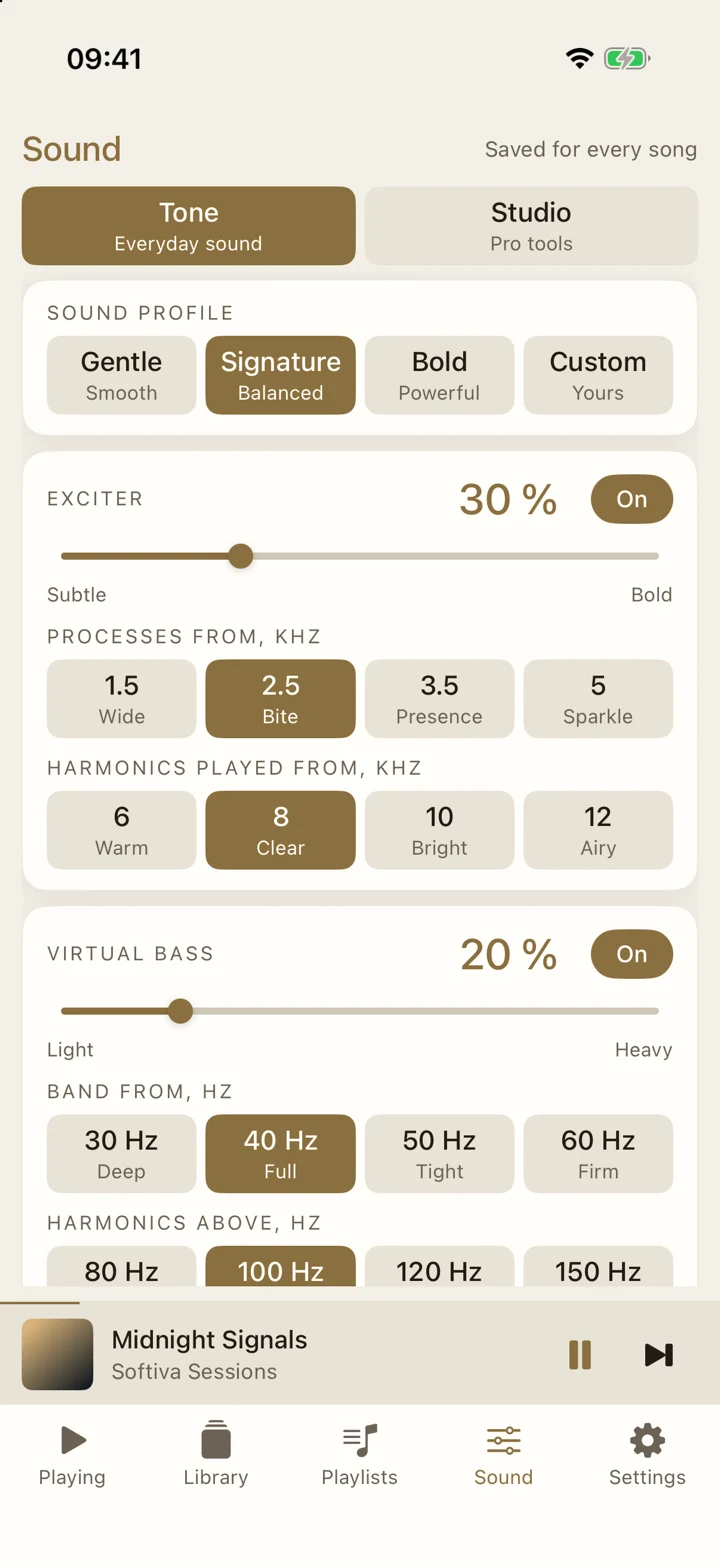
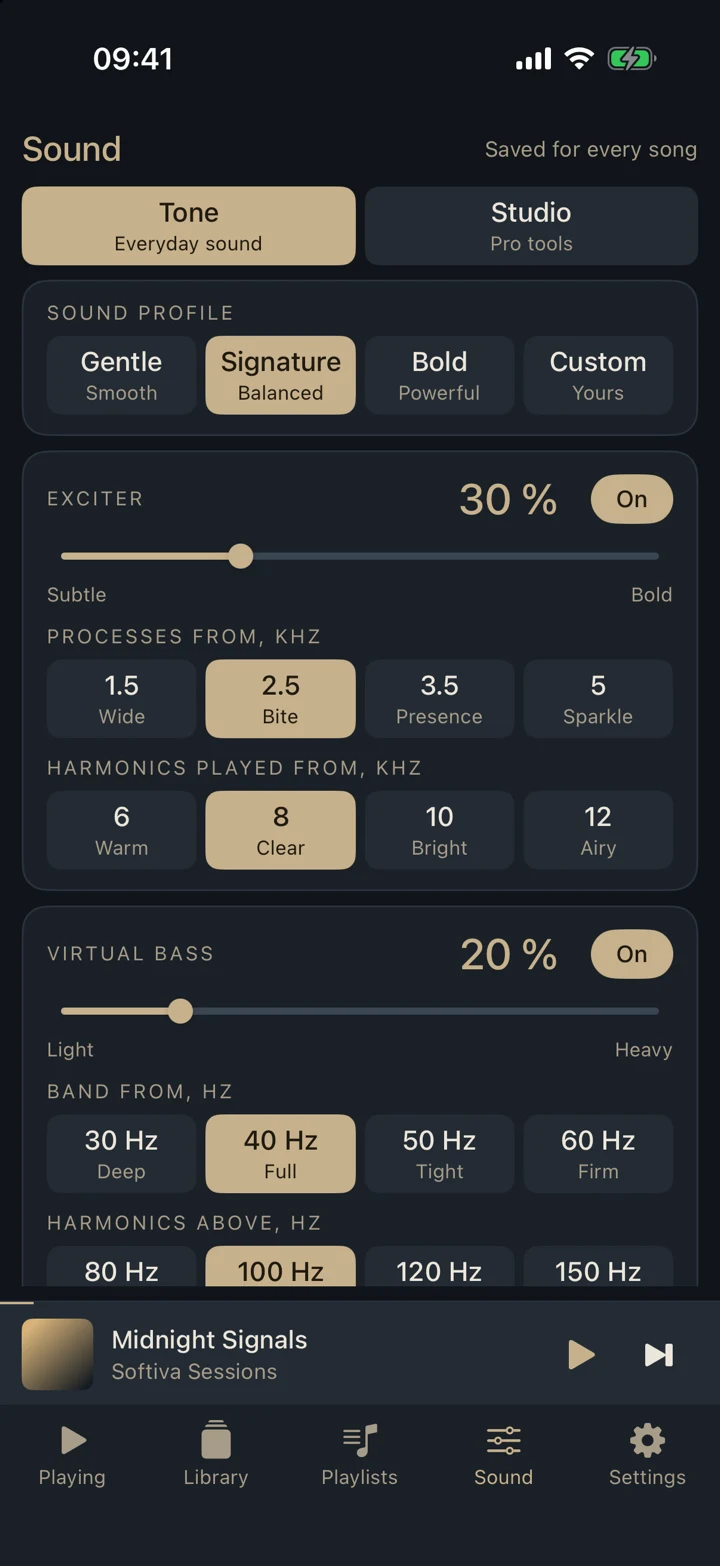
Exciter
Brings back the sparkle and air that compression takes away. Choose where it starts and where the new highs play.
- Processes from 1.5 to 5 kHz
- Harmonics from 6 to 12 kHz
Local music, tuned your way
A music player for the files you own. Add air to the highs, weight to the lows, and shape it all with a 31-band equalizer. No account. No cloud library.
Coming soon to the App Store and Google Play
Hear the difference
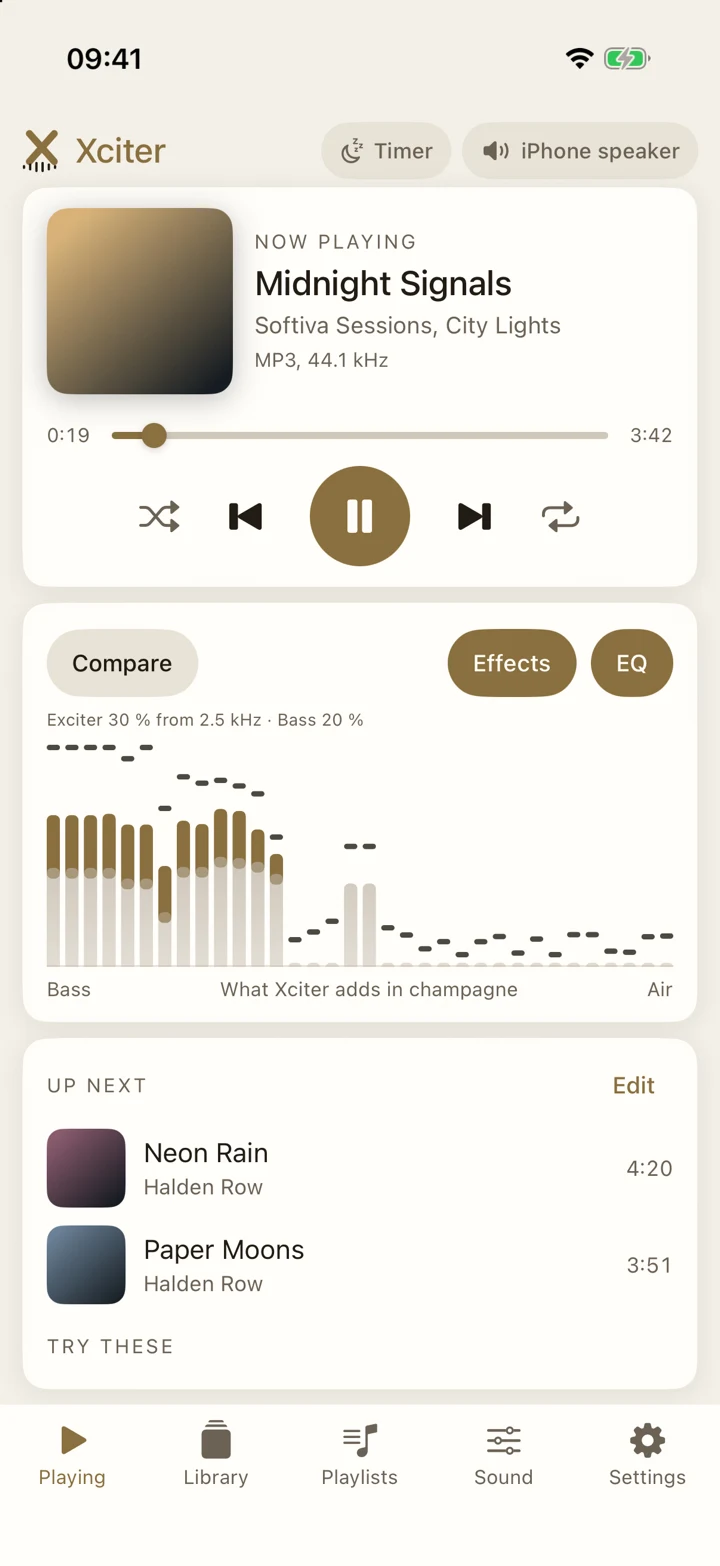
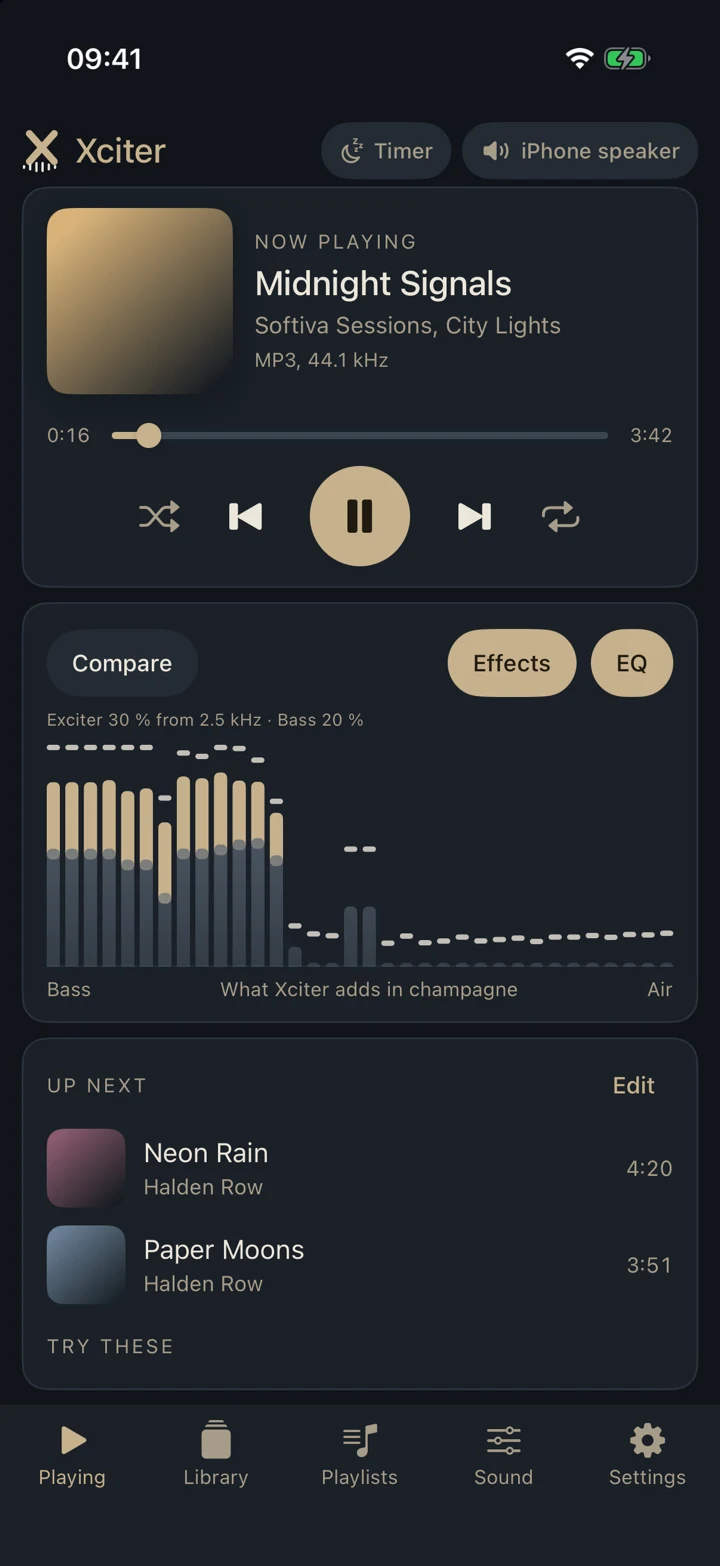
Compare plays the original next to Xciter at the same loudness, so what you hear is the sound changing, not a volume jump. Start with Gentle, Signature or Bold, then make it yours.
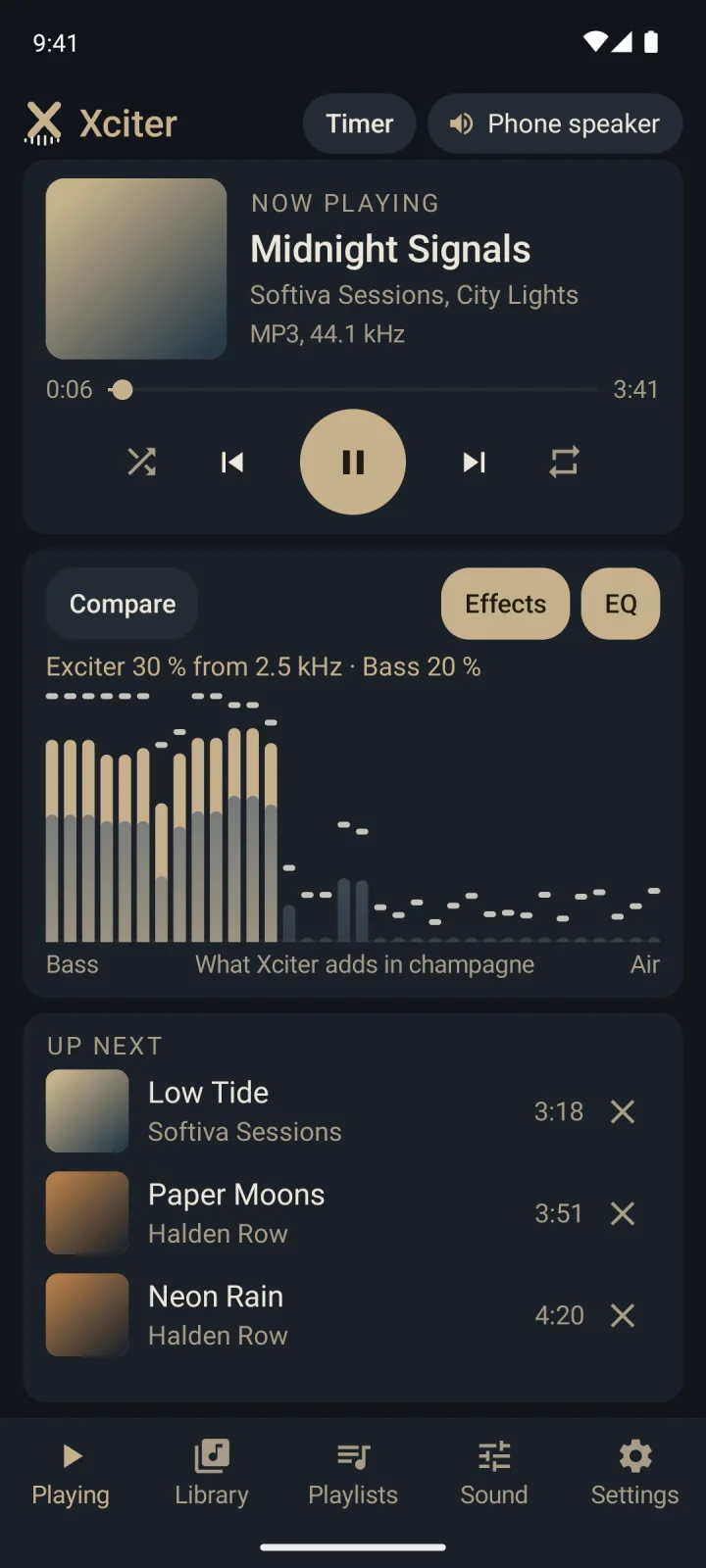
Exciter 30 % from 2.5 kHz · Bass 20 %
An illustration of the idea, with the real profile values. In the app, Compare plays the original at the same loudness, so you hear the sound change and not a volume jump.
Shape the sound
Every control below stays available in the free player. Profiles make a good starting point; the rest stays exactly where you left it.
Brings back the sparkle and air that compression takes away. Choose where it starts and where the new highs play.
Hear the low notes on earbuds and small speakers, from 0 to 10 dB, without a bigger driver.
Clearer, crisper highs with no added distortion. It lifts the treble and adds nothing else.
Quiet parts come up and loud parts ease down, so soft intros stay audible on the move.
Drag the curve, up to 6 dB each way. Start from one of 18 presets, or save the shape that sounds right to you.
Headroom stops loud parts from clipping. Dither keeps quiet tails smooth when the sound is rounded back to 16 bit.
Every control on one page
Profiles, exciter, bass and Crystalizer, each with its own frequency choices.
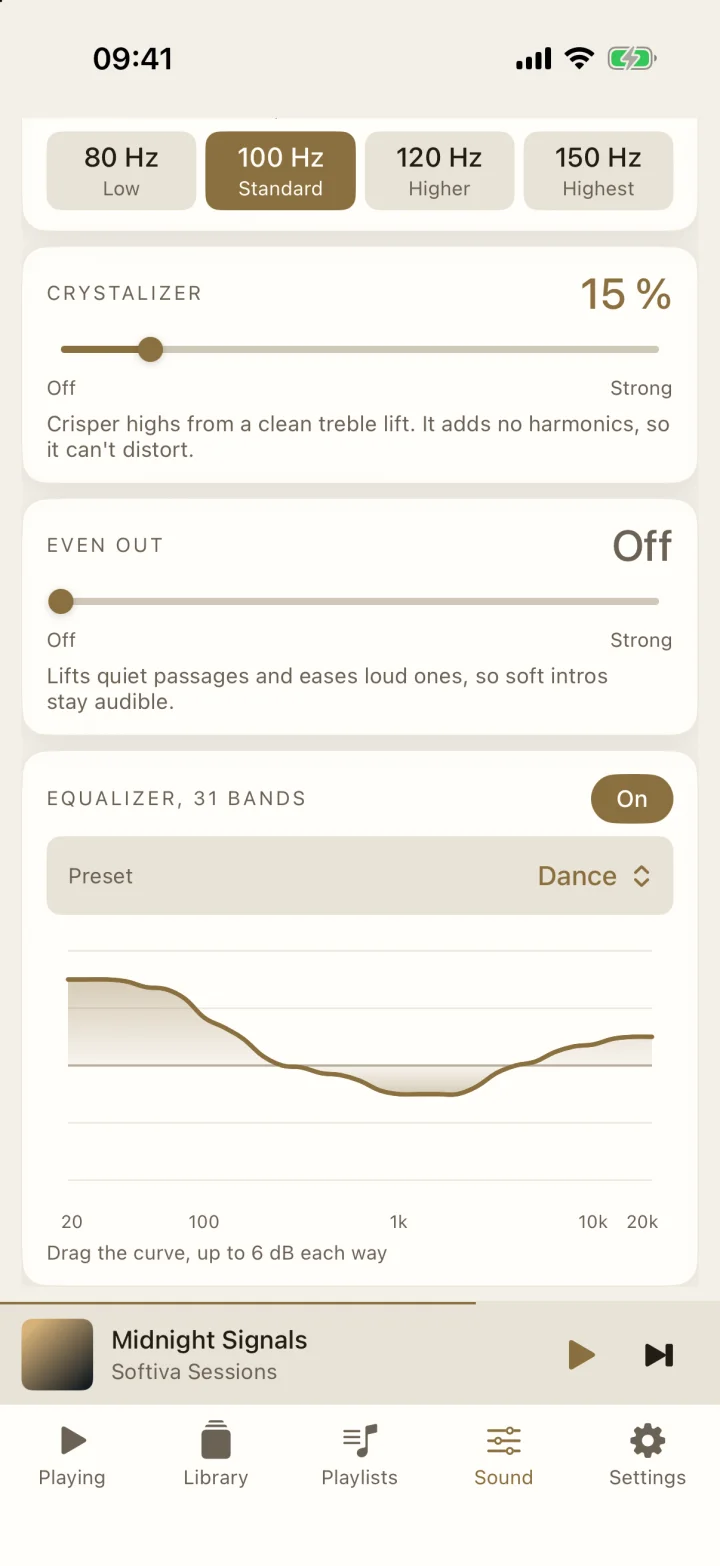
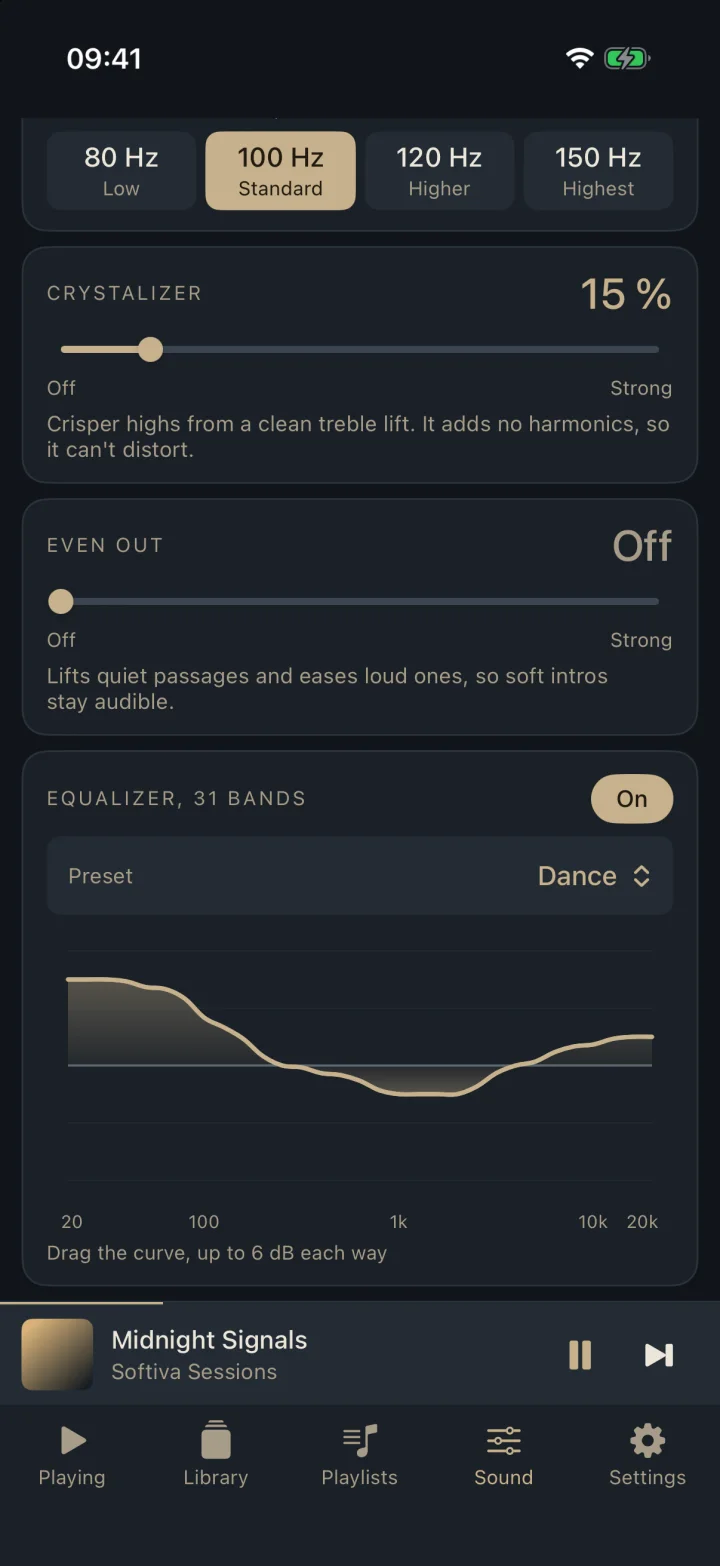
31 bands, 18 presets
Pick a preset or drag the curve. The shape you make is saved as Custom.
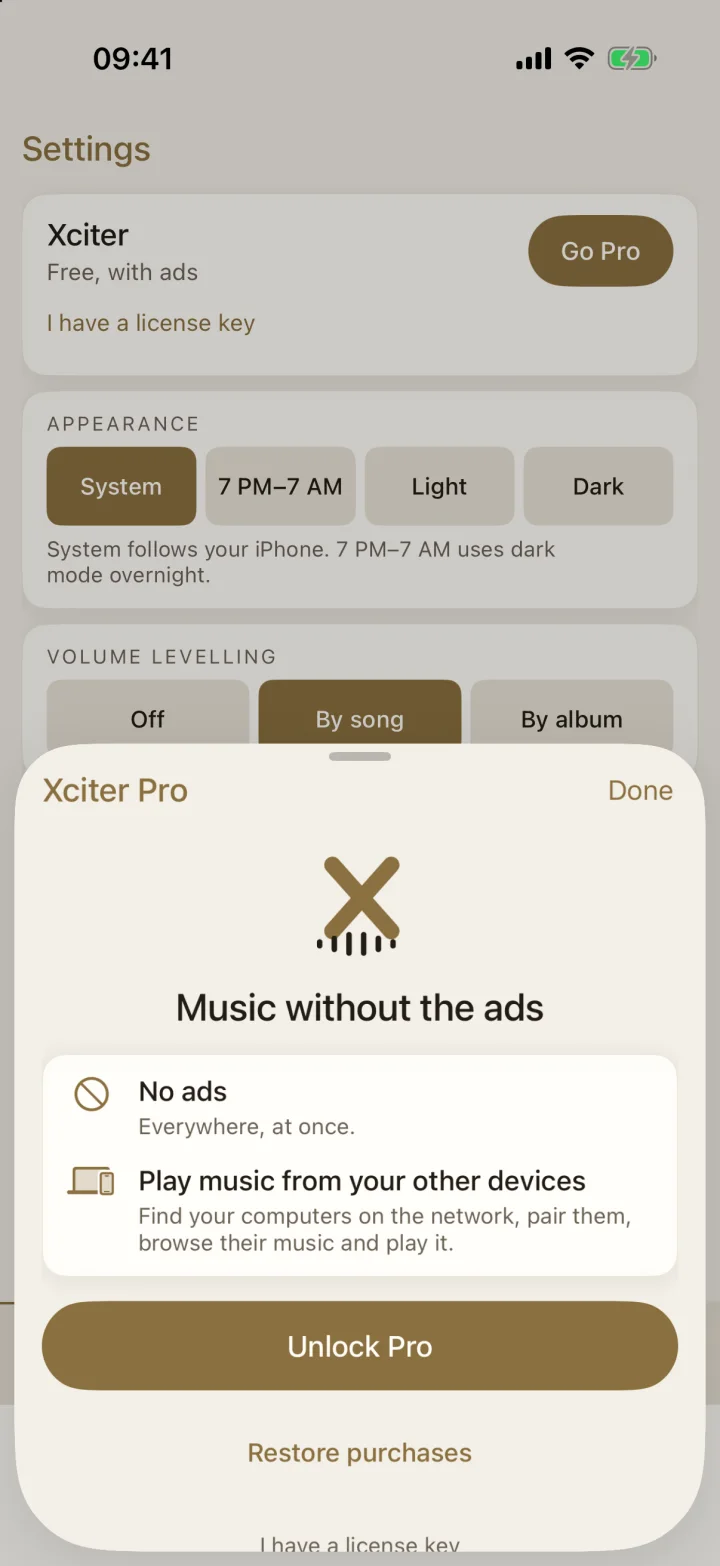
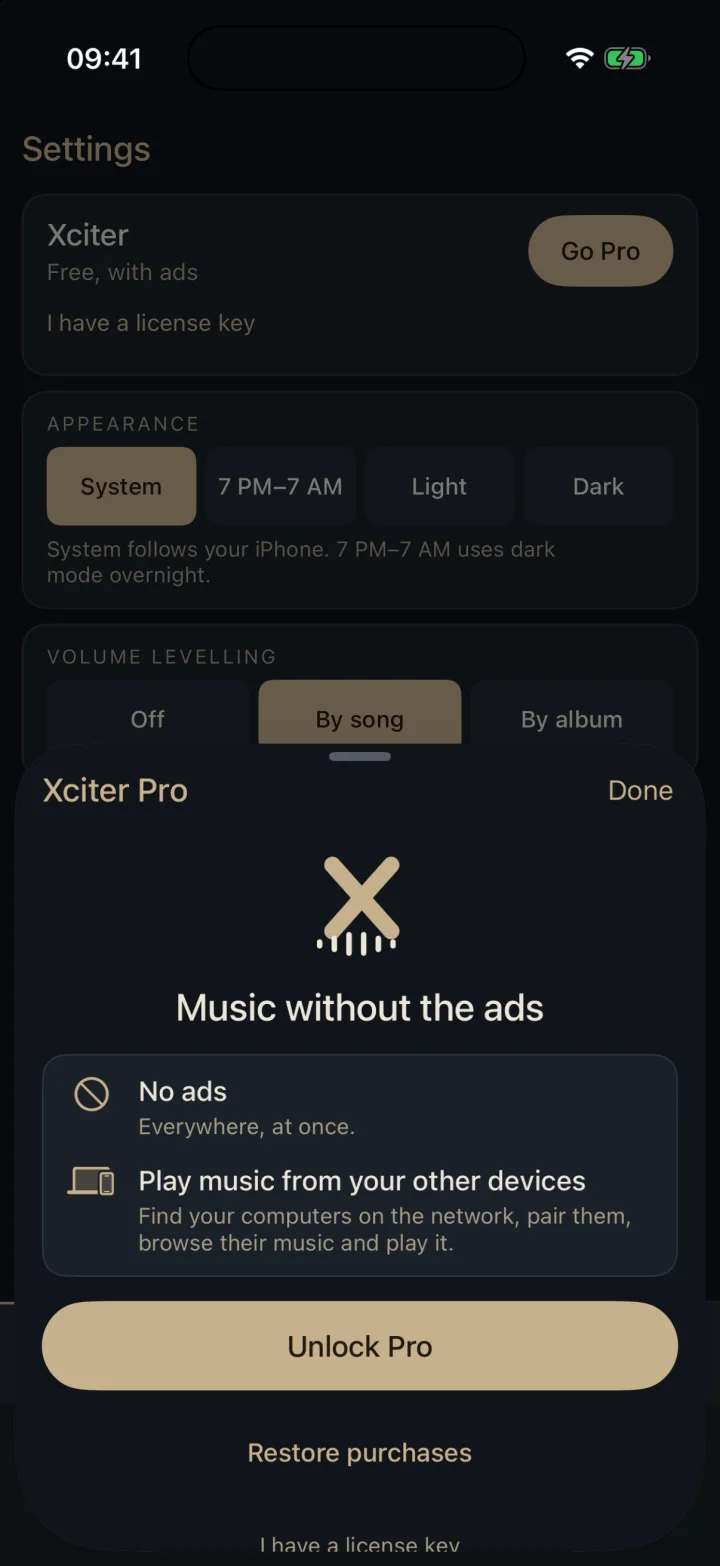
Xciter Pro
No ads, and your other devices on the same network, in one purchase.
Studio · Pro
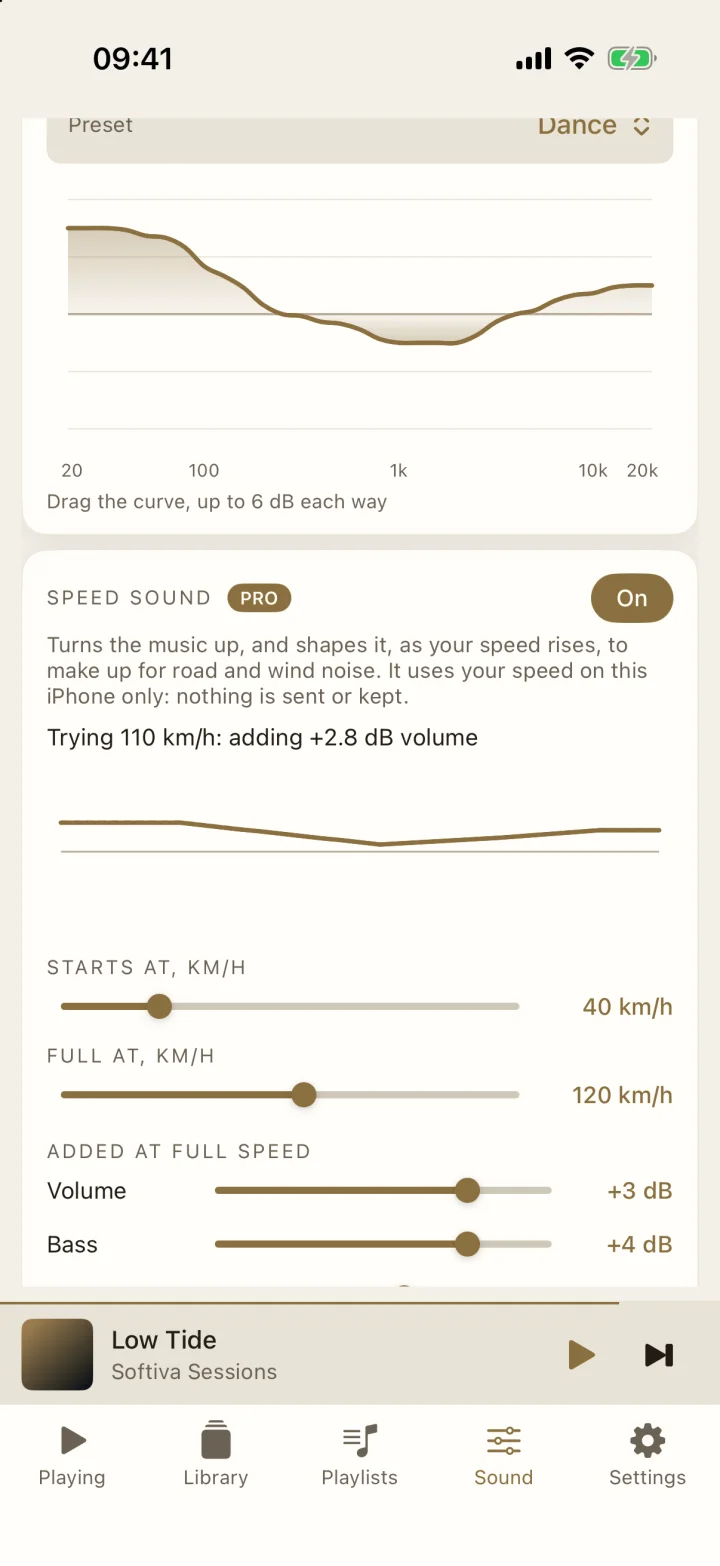
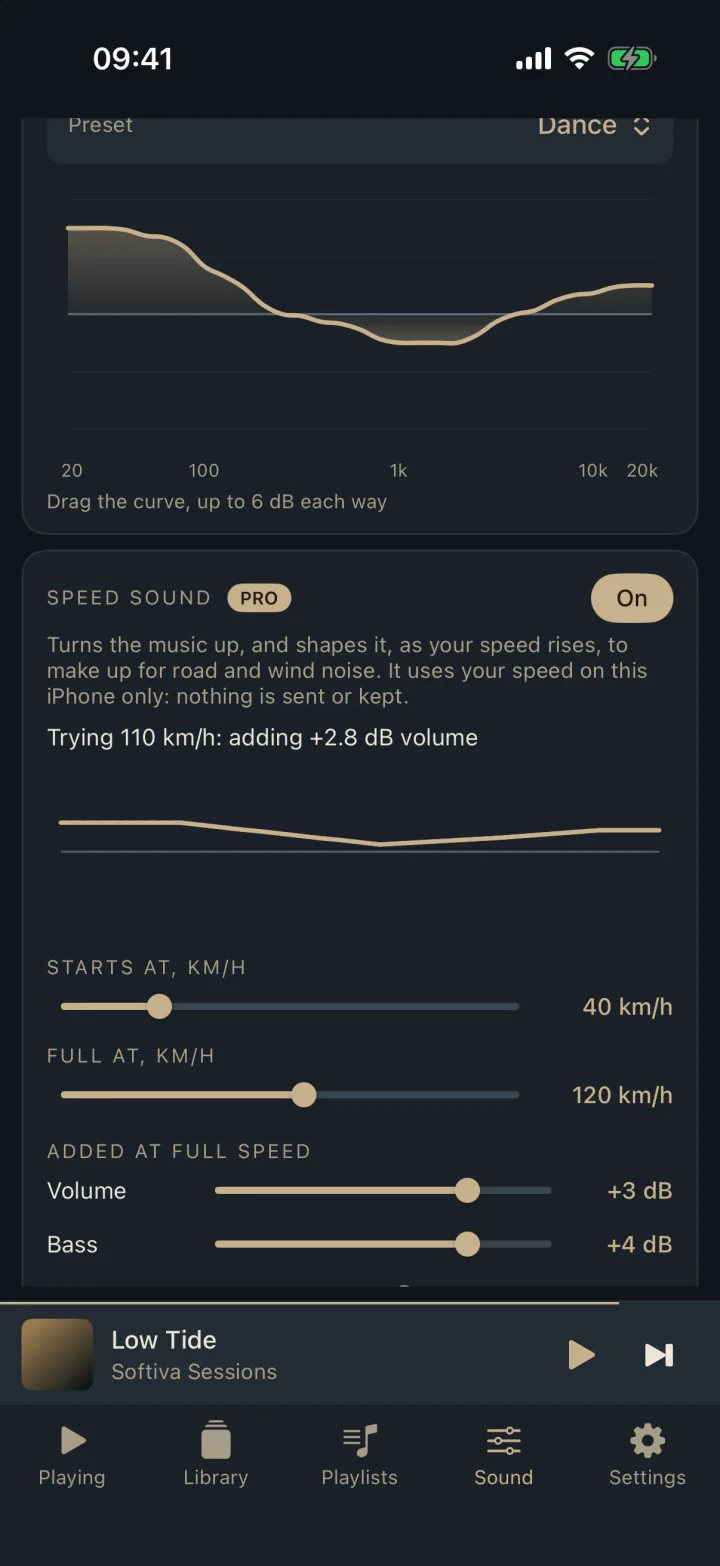
Road and wind noise cover the quiet parts of your music, the bass most of all. Speed sound reads your speed from the phone’s GPS and lifts the volume and tone as you go faster, so the music stays clear at motorway speed.
You set the amounts
Volume plus bass, mids and treble, from -8 to +8 dB at full speed, and the speeds where it starts and reaches full.
Smooth and capped
It eases in over seconds, never jumps, and stays inside the headroom. With no GPS signal it eases back to normal.
Try it parked
A speed slider plays any speed for you at the kerb, so you can set it up without driving.
Private
Your speed is used on the phone only, only while music plays, and is never sent or stored.
And the Studio effects
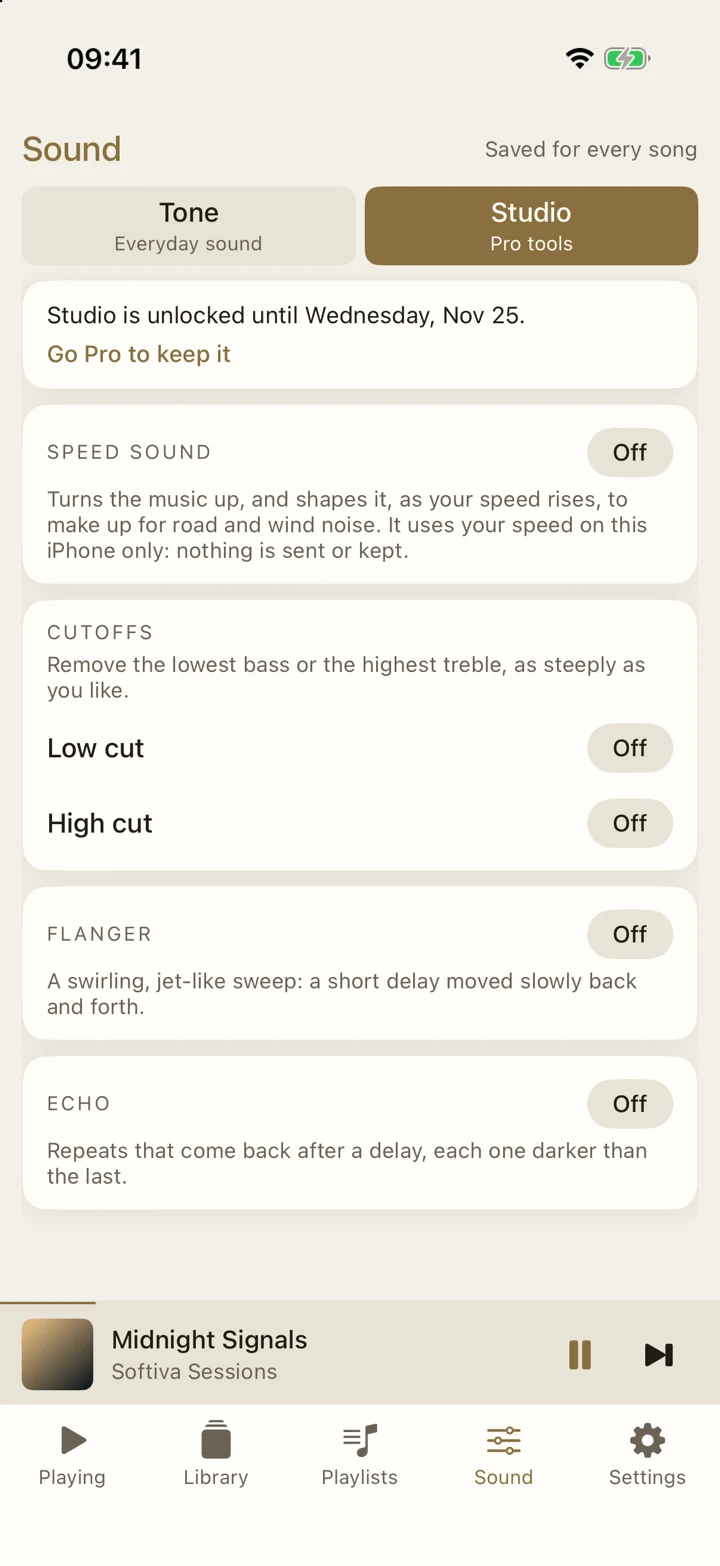
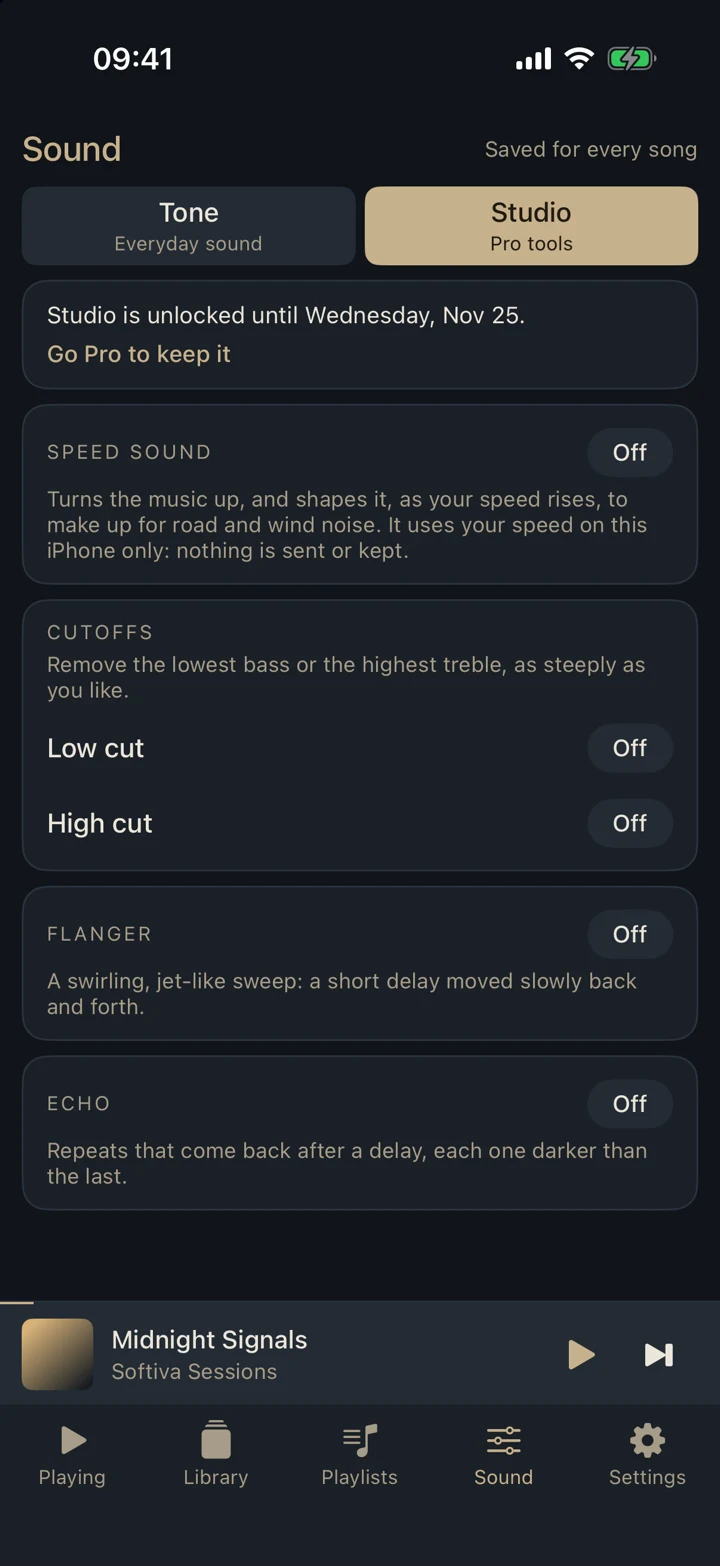
Speed sound lives in Studio, on the Sound tab, and is part of Xciter Pro on iPhone and Android. Free users can unlock Studio for a week by watching an optional video. It asks for location only when you switch it on. Set it up while parked.
CarPlay & Android Auto
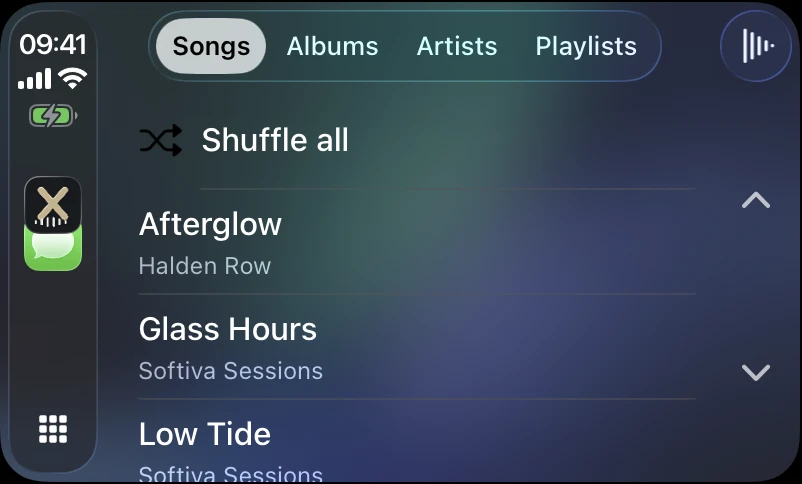
Browse your library and play it from the car’s screen. It is the same music and the same sound as on your phone, with nothing to set up twice.
One player. Every device.
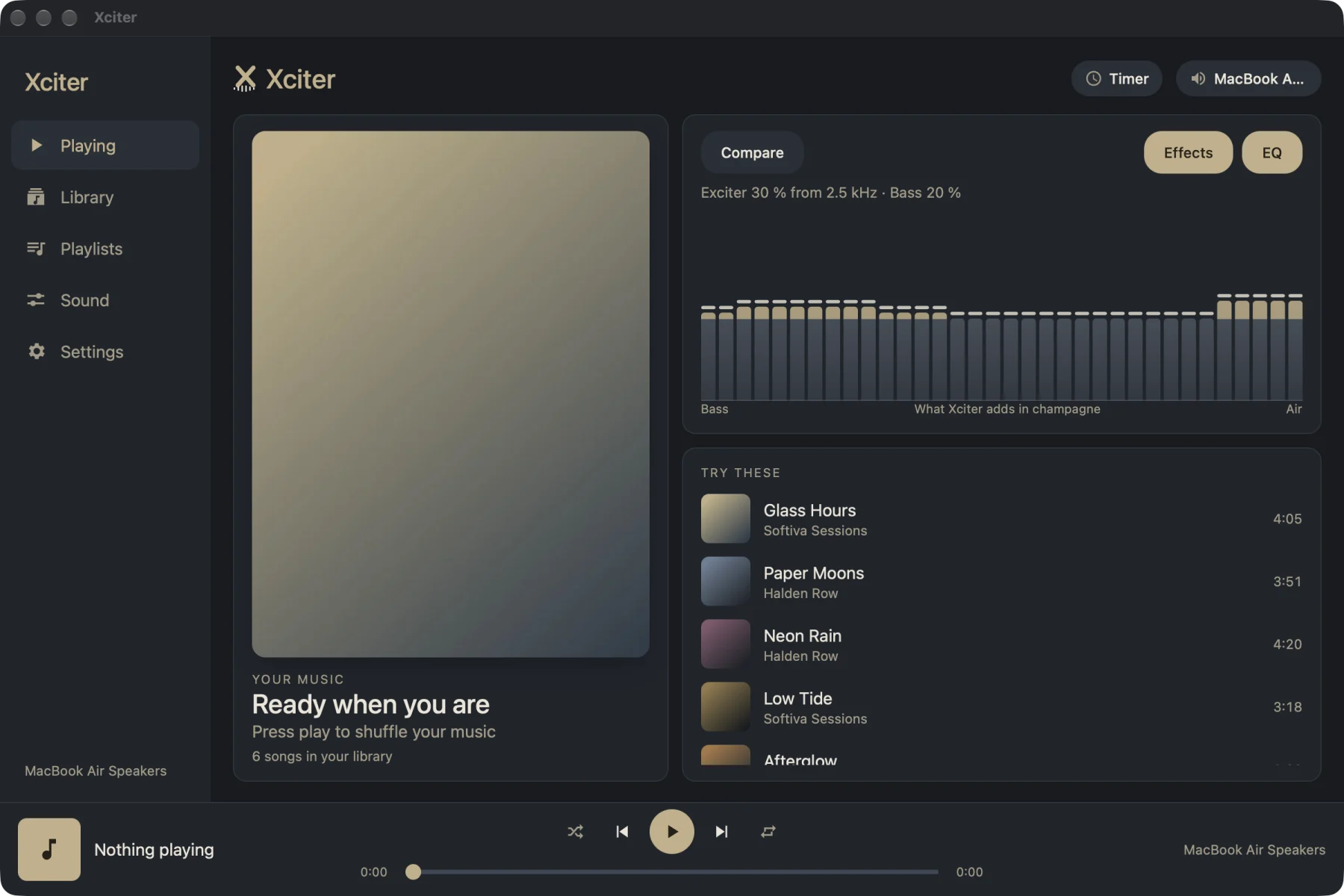
Xciter looks and sounds the same on iPhone, Android, Windows, macOS and Linux, so a setting you love follows the way you listen.
Add music from Files or send it over Wi-Fi from a computer. Use the songs already on your iPhone. A home-screen and lock-screen widget gives you the cover, song and play, pause and next, and CarPlay puts your library on the car screen.
Plays the music on your phone, with the cover and controls on the lock screen, in the notification shade and in a home-screen widget. Android Auto puts your library on the car screen. Allow Music and audio access and you are set.
Choose folders and Xciter reads them where they are. With Pro, it finds your other computers on the same network and plays their music, and so can your phones.
The everyday player
Xciter Pro
A one-time App Store or Google Play purchase gives you a license key for up to four of your own devices: Android, iPhone, Windows, macOS and Linux.
Free
Pro, one time
1. Buy Pro
In the App Store or Google Play. The store shows the price.
2. Copy your key
Settings shows your license key once Pro is active.
3. Enter it anywhere
Choose “I have a license key” on up to four devices.
Your library stays yours
Play music stored on your device or computer. With Pro, pair your own devices on the same network to browse another device’s library. Your files never go to Softiva.
Read the privacy policyNo cloud library
Nothing is uploaded, ever.
No account
Nothing to sign up for or sign into.
No analytics
Xciter does not track what you play.
A tiny license record
Random ids only. No name, no email.
Get Xciter
Free to start, with every sound feature included. Desktop downloads are listed here when they are ready.
Coming soon to the App Store and Google Play
Questions
Xciter is a music player for the files you own. It adds air to the highs and weight to the lows, evens out loud and quiet parts, and gives you a 31-band equalizer to shape the rest. It does not stream music and has no accounts.
Xciter is built for Android phones and iPhone, plus Windows, macOS and Linux computers. It is for iPhone only on Apple devices for now, with no iPad version yet. Mobile store availability is announced here when each public release is ready.
Yes. All of Xciter’s sound controls are free: the exciter, virtual bass, Crystalizer, Even out, the 31-band equalizer and the profiles. The mobile free version shows a small banner on Library and Playlists. A one-time Pro purchase removes mobile ads, unlocks local-device sharing and adds Speed sound.
Buy Pro in the App Store or Google Play, then use the license key shown in Settings on up to four of your own Android, iPhone, Windows, macOS or Linux devices.
No. Those services lock their files, so no other app can play them. Xciter plays music you own as files: songs you add from Files or a computer, music already on your Android phone, or folders on a computer.
Speed sound is a Studio tool, free to unlock for a week with an optional video or included in Pro, on iPhone and Android. It reads your speed from the phone’s GPS and, as you go faster, turns the music up and shapes it to make up for road and wind noise: volume and tone, each as you set them. Your speed is used on the phone only, only while music plays, and is never sent or stored.
Yes. On CarPlay you can browse Songs, Albums, Artists and Playlists and see Now Playing. On Android Auto you can browse your library, shuffle, and ask for a song or artist by voice. It is the same music and the same sound as on your phone.
No. Your music, playlists and sound settings stay on your device. There is no account and no analytics. The free version’s banner ads come from Google AdMob, and you can decline personalised ads.
More questions? Support or hello@softiva.app.